Skip to content

Customization

Build a clock display that feels like yours.

Moc combines shared display settings with controls designed around each clock style, so the interface stays approachable while the results stay flexible.

Style controls

Different clocks deserve different tools.

The available controls adapt to the selected clock, from flip presentation and analog details to motion, particles, rings, and progress.

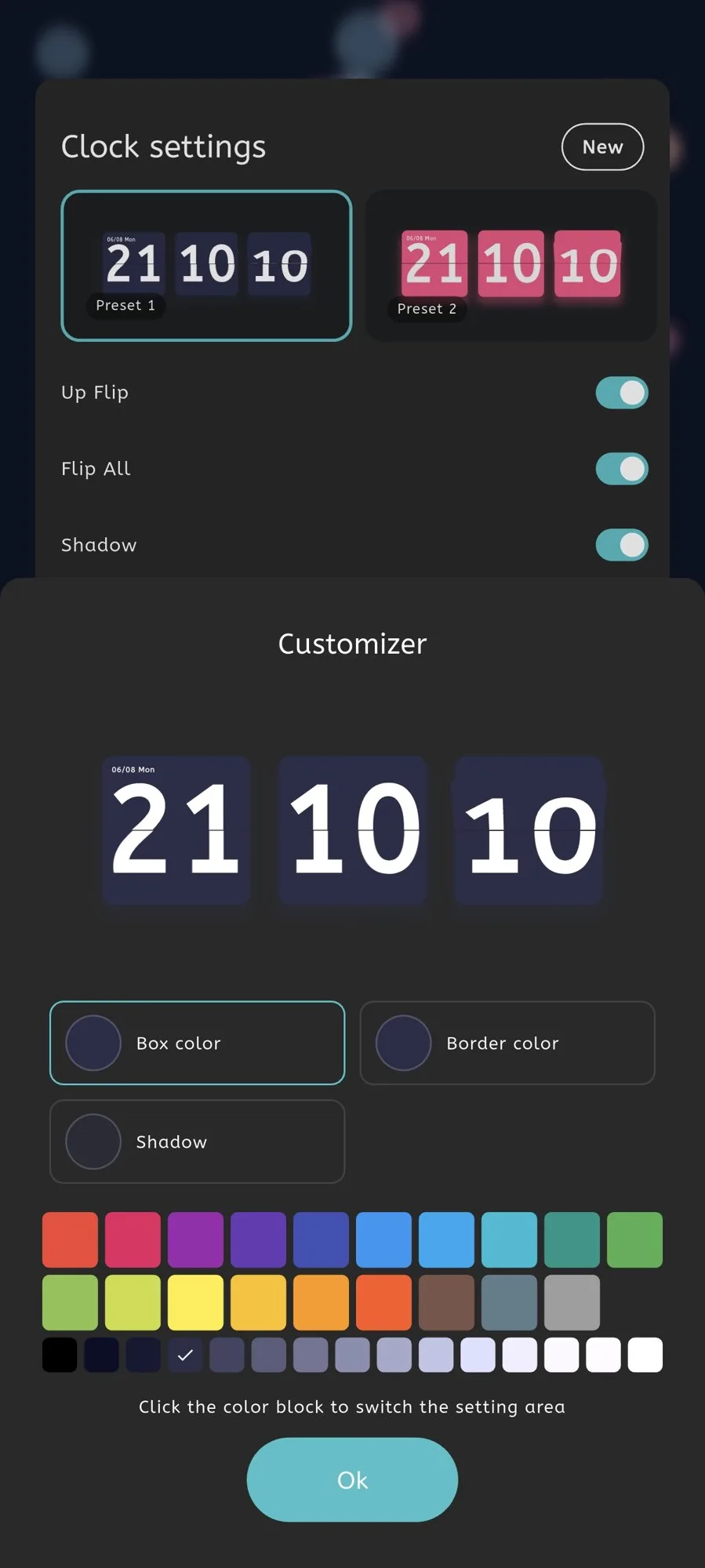
Moc settings screen for customizing the Flip Clock

Flip Customizer

Adjust flip colors, borders, shadows, direction, and number presentation.
  • Flip colors and borders
  • Shadow and direction controls
  • Number presentation options
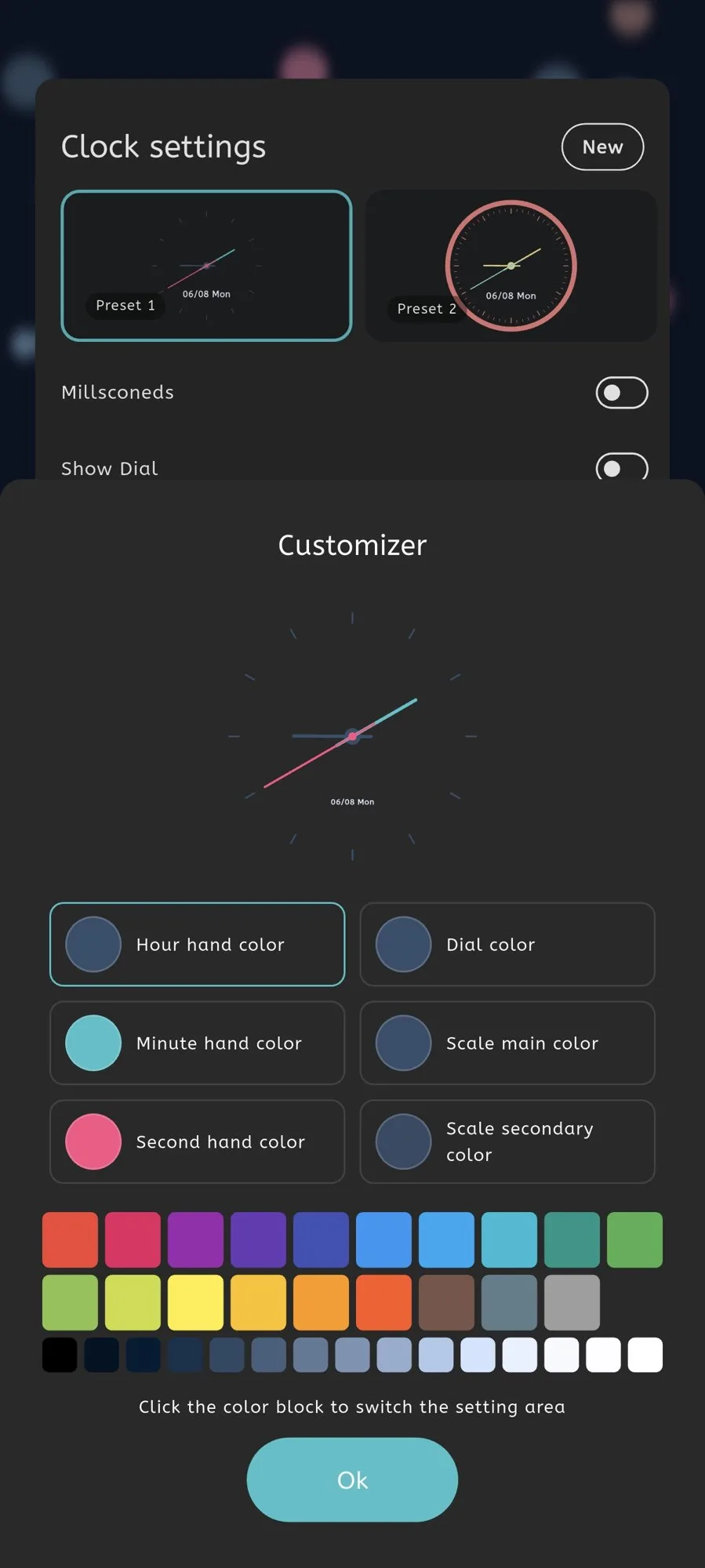
Moc settings screen for customizing the Analog Clock

Analog Customizer

Tune hands, scale marks, seconds, and colors for the analog clock face.
  • Clock hand controls
  • Scale mark options
  • Face and seconds colors
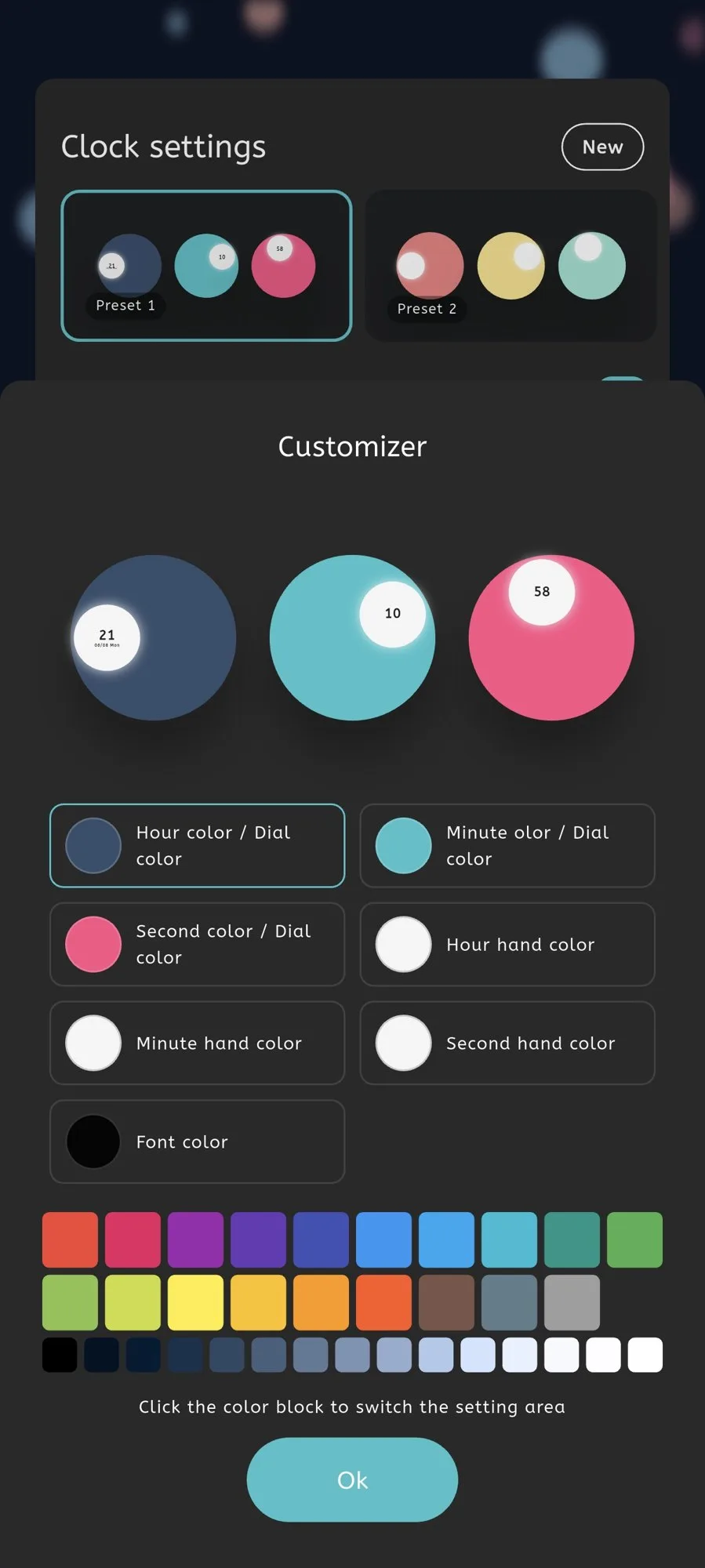
Moc settings screen for customizing the Ball Clock

Ball Customizer

Change ball colors, relative sizes, shadows, and the overall visual arrangement.
  • Hour, minute, and second colors
  • Ball sizing
  • Shadow controls
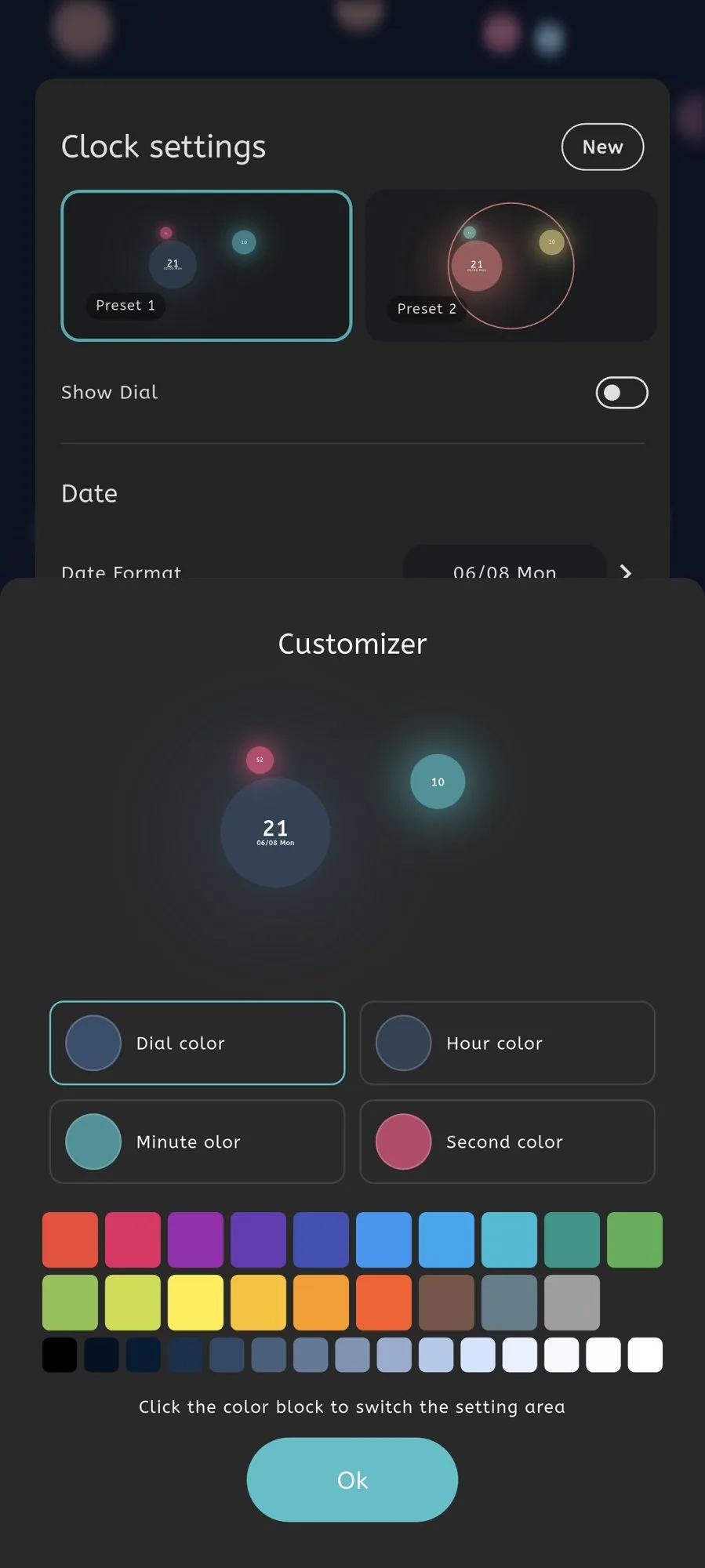
Moc settings screen for customizing the Particle Clock

Particle Customizer

Adjust floating circles, color groups, shadows, and the particle presentation.
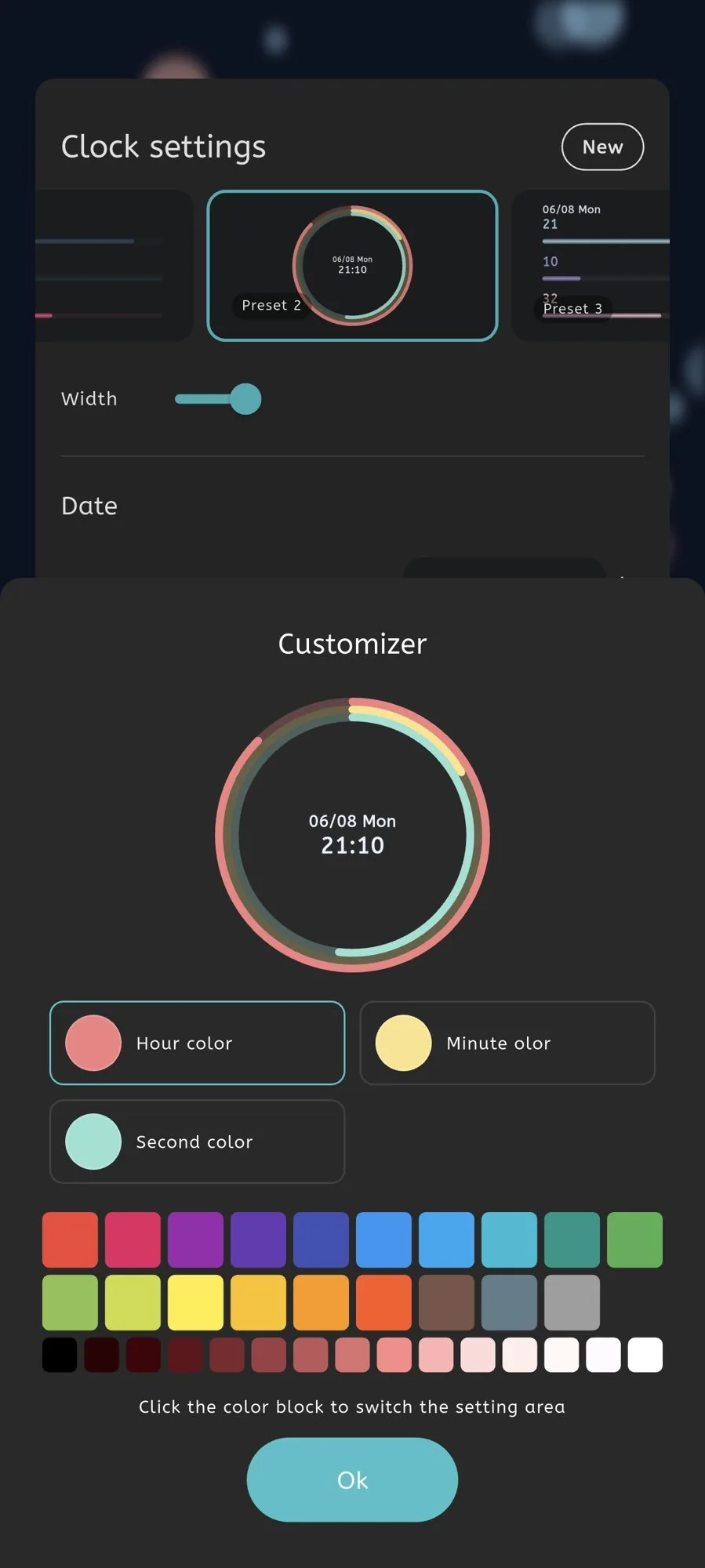
  • Particle color groups
  • Circle presentation
  • Shadow and density controls
Moc settings screen for customizing the Progress Clock

Progress Customizer

Select progress styles and change the colors used to visualize passing time.
  • Linear or circular styles
  • Progress colors
  • Display appearance
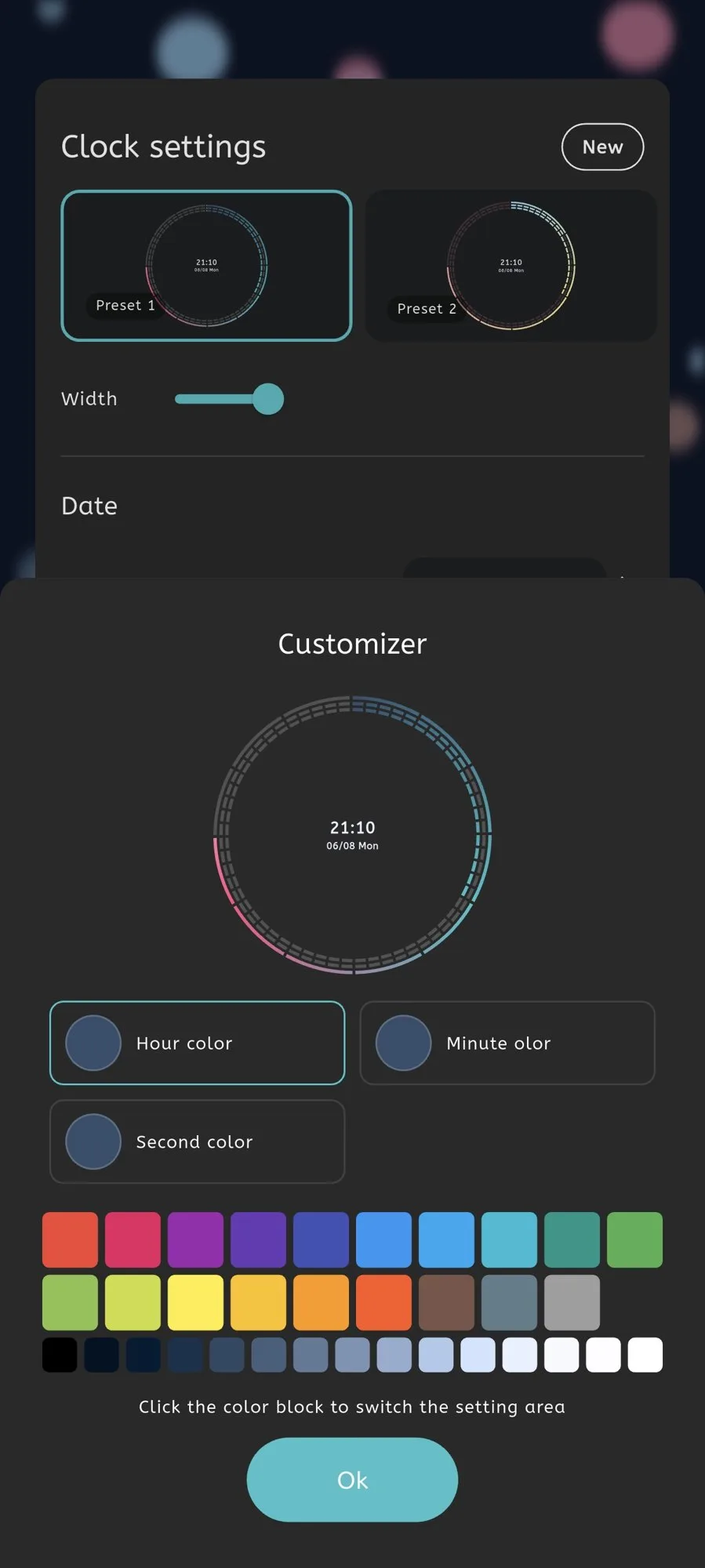
Moc settings screen for customizing the Ring Clock

Ring Customizer

Edit ring gradients, segment colors, thickness, and the circular appearance.

  • Ring gradient colors
  • Segment appearance
  • Circular display controls

Shared settings

Keep the whole display consistent.

Common settings make it easy to coordinate the clock with its date, font, colors, and background.
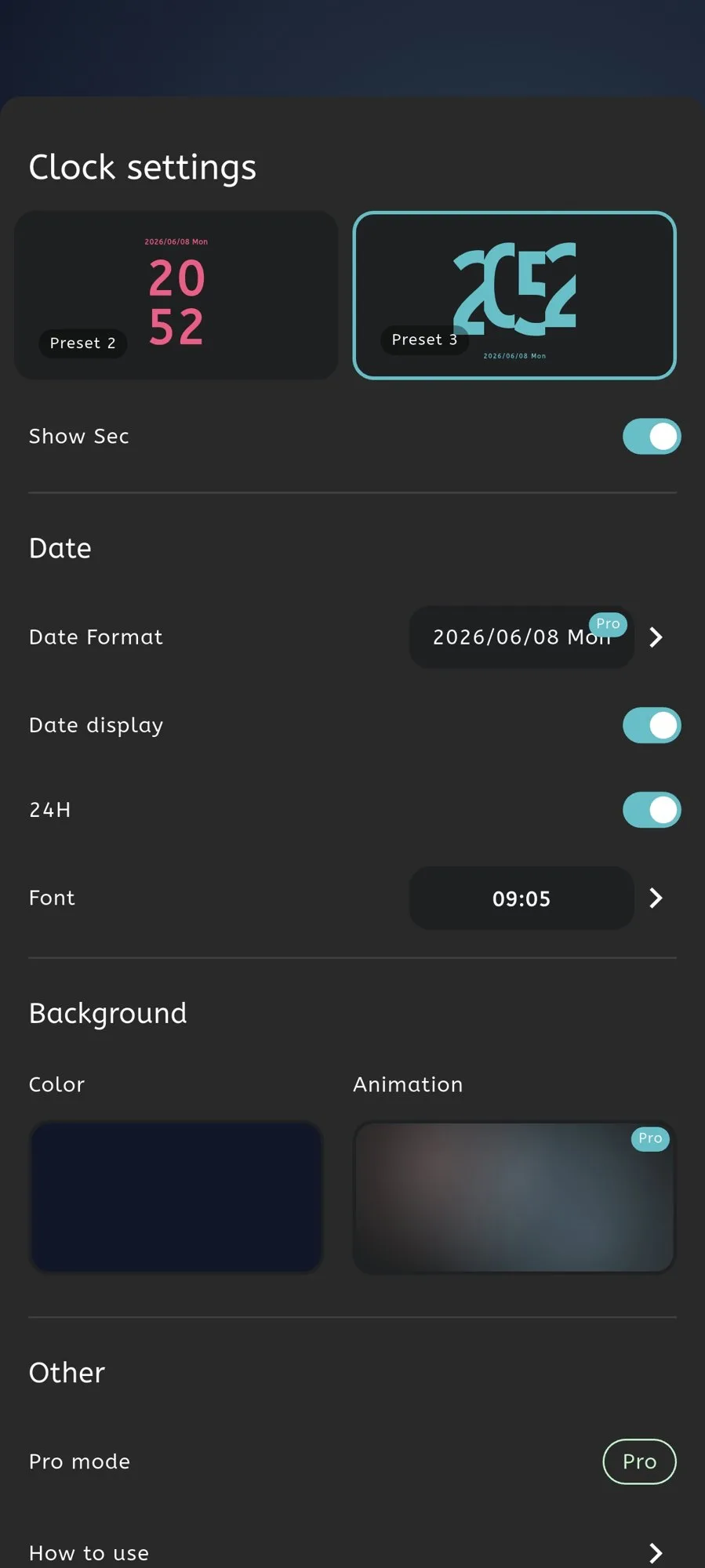
Main Moc settings screen with clock and display controls

Clock Settings

Switch clock types and manage the central display options from one place.
  • Clock type selection
  • Date display controls
  • Access to style-specific settings
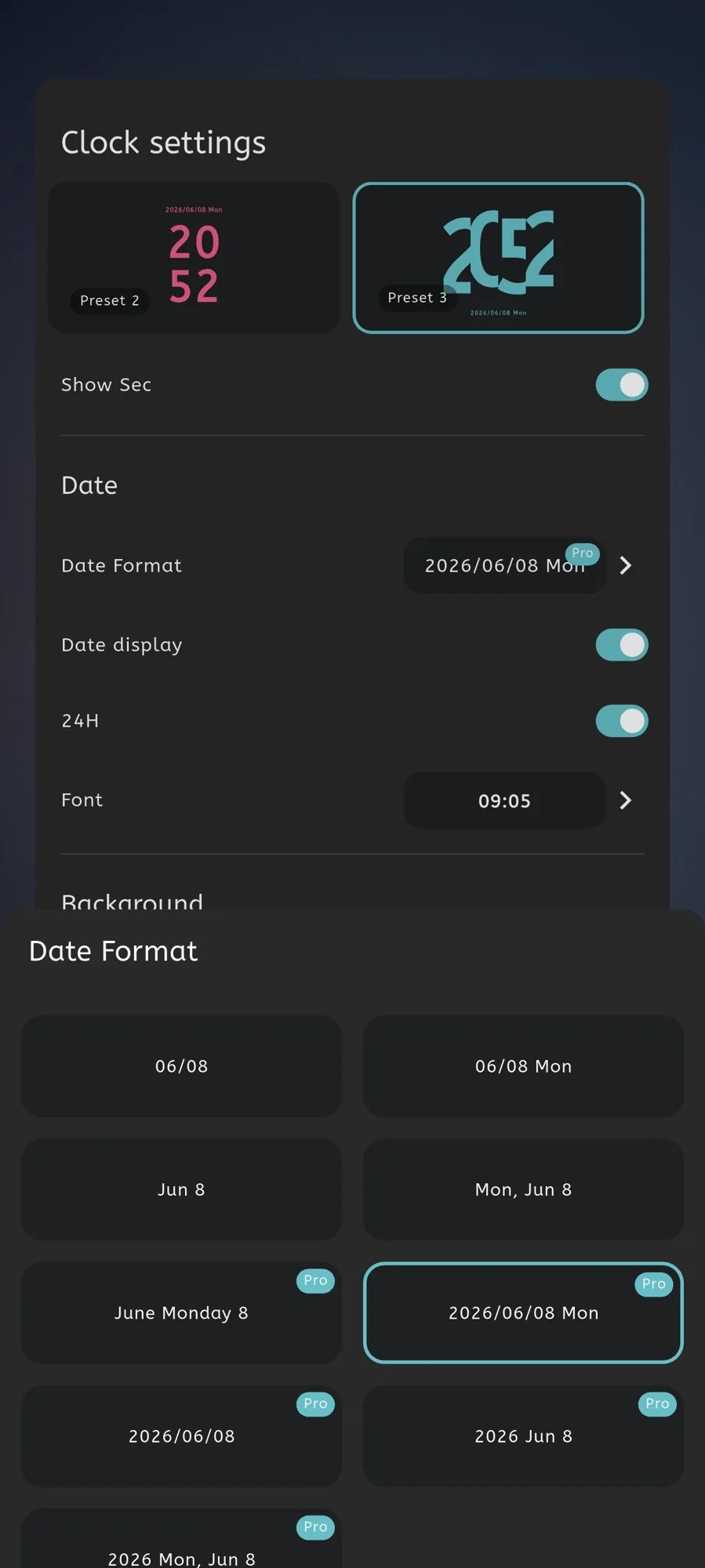
Moc date format settings with multiple formatting choices

Date Format

Choose how the date appears and decide whether it should be visible at all.
  • Multiple date formats
  • Date visibility
  • Locale-aware presentation
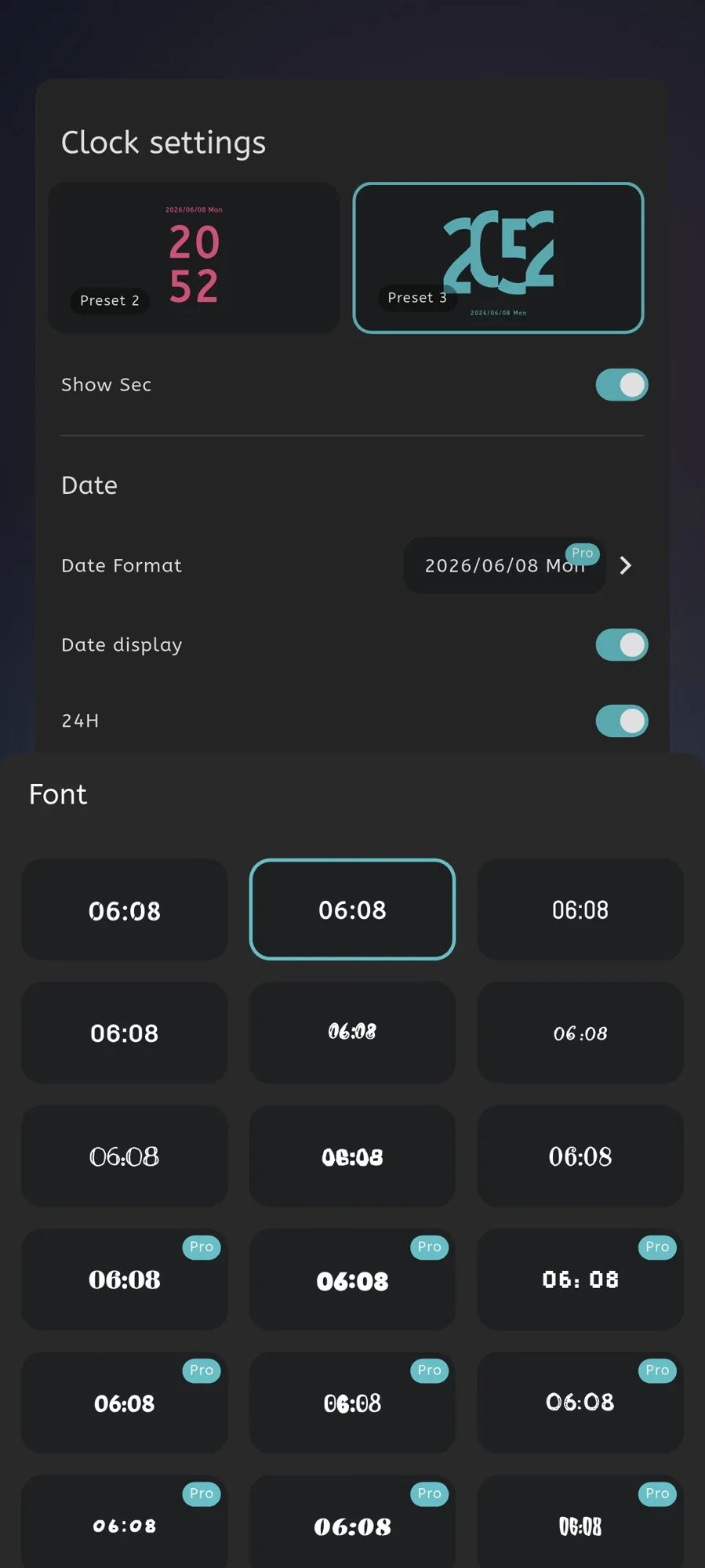
Moc font selection screen showing available clock typefaces

Font Settings

Select a typeface that changes the personality and readability of the display.
  • Multiple clock fonts
  • Live visual selection
  • Readability options
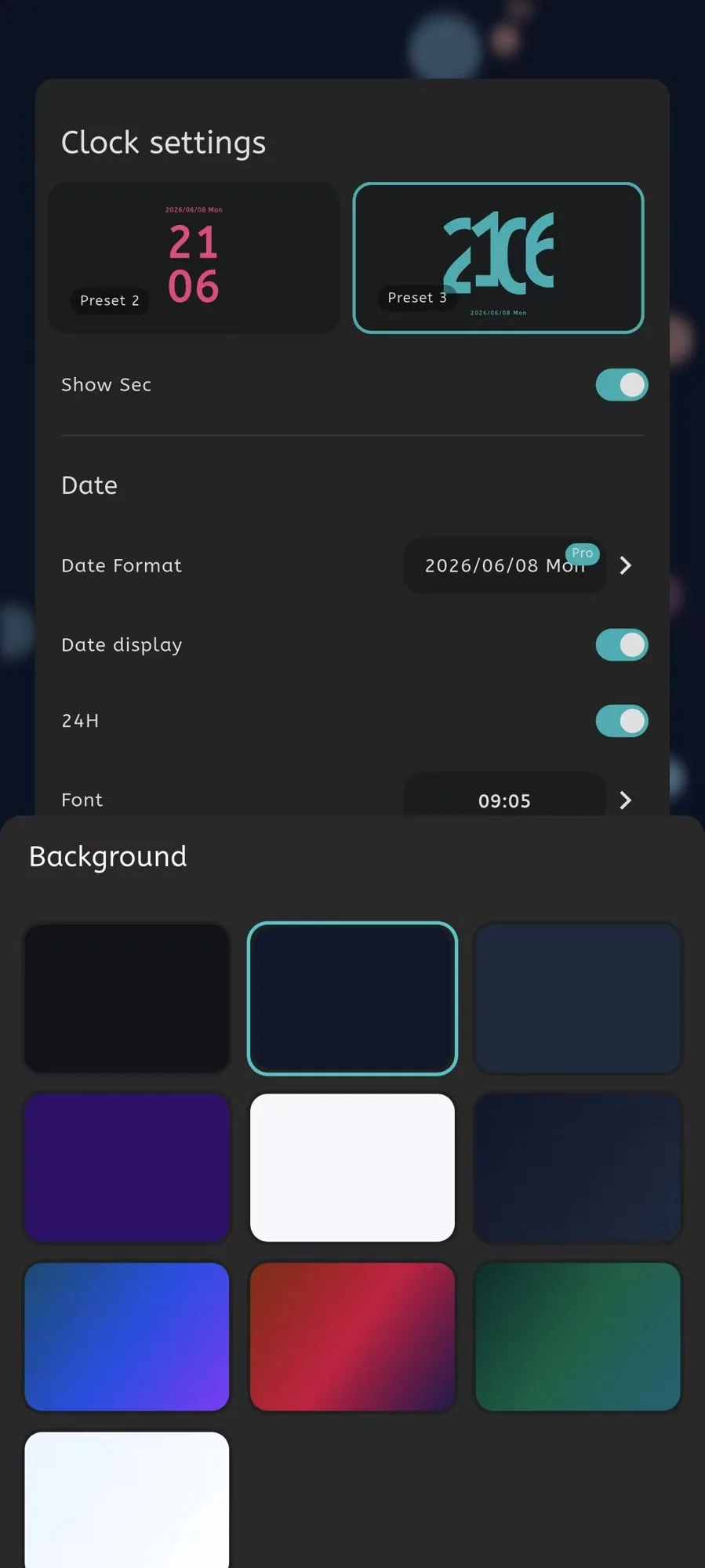
Moc background settings with color and visual options

Background Settings

Use solid colors, gradients, and visual treatments to shape the full display.

  • Solid backgrounds
  • Gradient backgrounds
  • Display surface controls

Moc for Android

A focused clock, with room to experiment.

Download Moc and explore the combinations directly on the screen you want to use.